Contact QR codes: from business cards to car windshields and lost-phone tags
A QR code that saves your contact details in one scan isn't just a business-card replacement. Stuck on a windshield or a phone case, it turns into an emergency contact system that works even when your phone doesn't.
28 Jul 2026 · 7 min read · ToolBharat Team
Handing someone a business card, or worse, spelling out your phone number so they can type it in — both are slower than they need to be. A contact QR code (built on the same "vCard" format your phone already uses to save contacts) lets anyone add your name, number, and email in a single scan.
That much is obvious. What's less obvious is what happens when you take that same idea off your business card and put it somewhere physical and always-on: your car, or the back of your phone.
What a contact QR code actually contains
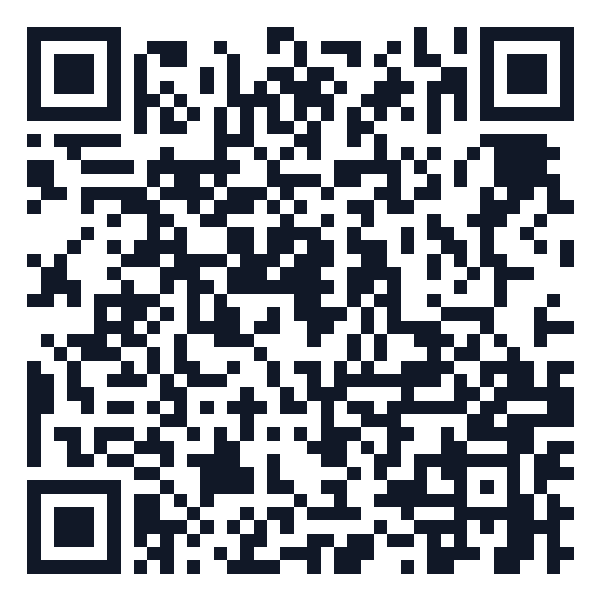
Scanning a contact QR code doesn't open a website or a text message — it opens your phone's native "Add Contact" screen, pre-filled with whatever name, phone number, email, and organization were encoded into the code. No app to install, no typing. Here's what one looks like:
Make one in under a minute
- Open the QR Code Generator on ToolBharat.
- Choose the Contact (vCard) content type.
- Fill in only what you actually want strangers to see — this matters more for the two use cases below than it does for a business card.
- Download the code as a PNG or SVG, ready to print.
Nothing is uploaded — the code is generated in your browser from whatever you type in.
Use case 1: An "In Case of Emergency" sticker for your car
Park in a tight spot and block someone in. Get into a fender-bender when you're not around the car. Leave your hazards on a little too long outside someone's gate. In every one of these situations, the other person's only real option today is to wait, or to leave an angry note. A contact QR code changes that.
Print the code, laminate it (or use a weatherproof sticker — it'll live on your dashboard or a window, exposed to sun and rain), and add a short label like "Scan to contact the owner." Stick it on the inside of the windshield (readable from outside, protected from weather) or the rear window, where anyone standing behind the car can see it.
A few things worth getting right:
- Include a phone number, not just an email — the whole point is that someone can call or message you immediately, not send something you'll see later.
- Leave your home address out of it. A vCard field for an address is easy to fill in out of habit — don't. This code is meant to be read by strangers standing next to your car.
- Consider a second number if you have one — a spouse's number or a shared family contact means you're still reachable even if your own phone is off or out of signal.
Use case 2: A "if found, please contact" tag for your phone case
This is the sharper idea, because of a detail that's easy to miss: a sticker on the outside of your phone case works even when the phone itself doesn't. A dead battery, a forgotten passcode, a cracked screen you can't unlock — none of it matters, because the QR code isn't on the phone's screen. It's printed on the case, and any other phone's camera can scan it in daylight without touching your device at all.
Compare that to the built-in alternatives. A lock-screen message ("if found, call...") only works if the finder unlocks the screen far enough to see it, and a dead or wiped phone shows nothing at all. "Find My Phone" tracking only works if the phone has battery and a signal. A physical, external QR code has none of those dependencies — it works in every single scenario, including the worst one.
To set this up well:
- Use a small printed sticker or a printable phone-case insert, sized to fit the back of your case without covering the camera or a fingerprint sensor. A matte laminate finish resists the scuffing a phone takes in a pocket or bag far better than a plain paper sticker.
- Point the contact to someone reachable — not your own number. If your phone is lost, your own number obviously won't ring in your pocket. Use a family member's number, or a secondary email you check on another device.
- Keep it minimal: a name and one alternate contact method is enough. This code will be read by a stranger who found your phone on a train seat or a cafe table — the less personal detail beyond "how do I reach the owner," the better.
The pattern behind both of these
What makes a car sticker and a phone-case tag work is the same thing: the QR code is physical, offline, and always available — it doesn't need your phone to be on, unlocked, charged, or even in the same room. That's a genuinely different property from anything app-based, and it's worth designing for deliberately: minimal information, a durable print, and a contact method that's actually reachable in the exact situation the code is meant for.
Ready to make one? Head to the QR Code Generator — the same tool also builds WiFi, UPI payment, SMS, email, and website QR codes.